Security Icon Set 1 for Designers
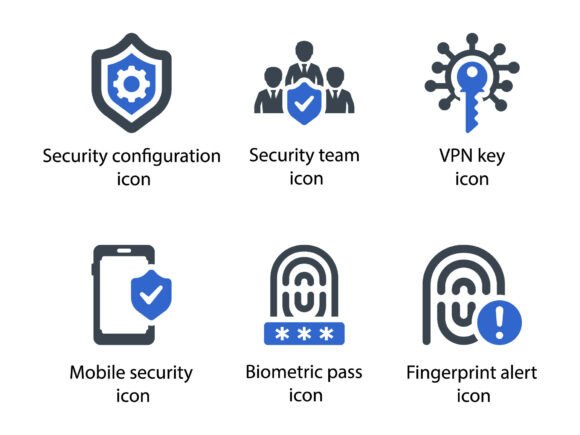
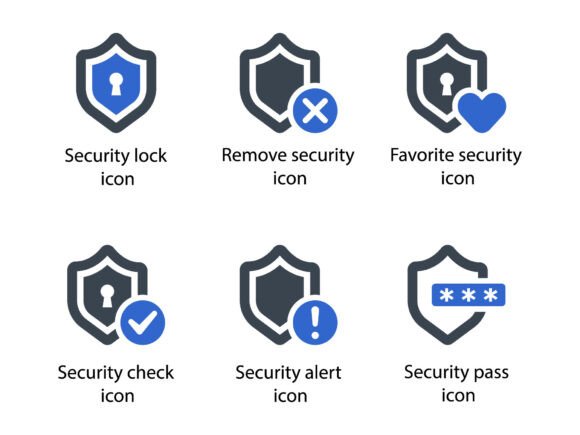
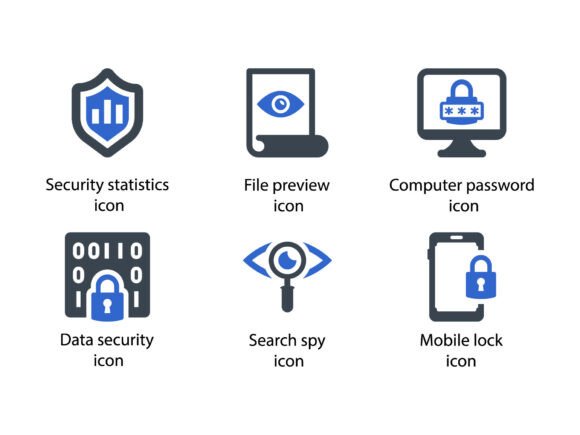
For professionals in design, development, and communication, visual clarity is essential. Security Icon Set 1 offers a collection of meticulously crafted glyphs that enhance the presentation of security-related concepts across various platforms. Whether you're working on a website, a marketing campaign, or an infographic, these icons provide a consistent and professional look that aligns with modern design standards.
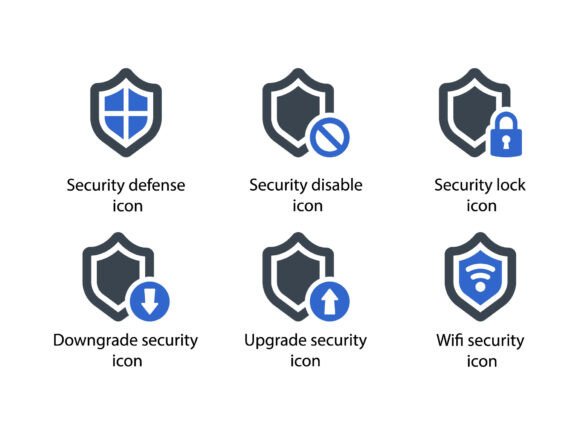
The set includes a range of icons such as Security Defence, Security Disable, Lock, Downgrade, Upgrade, and Wifi Security. Each icon is designed with precision to ensure it communicates its intended meaning clearly. This attention to detail makes the set ideal for projects where visual accuracy is crucial.
Why Security Icon Set 1 Matters
Designers often face the challenge of finding icons that are both visually appealing and functionally accurate. Security Icon Set 1 addresses this need by offering a cohesive set of icons that can be used across multiple mediums. The inclusion of EPS, SVG, and PNG files ensures compatibility with different design tools and project requirements.
For instance, a web developer might use the Lock icon to indicate secure login areas, while a marketing team could incorporate the Wifi Security icon in a promotional material to highlight network safety. These practical applications demonstrate how the set can be adapted to meet specific needs without compromising quality or consistency.
Enhancing Communication with Visual Clarity
Effective communication in design relies on the ability to convey complex ideas quickly and clearly. Security Icon Set 1 helps achieve this by providing symbols that are instantly recognizable. This is particularly useful in infographics, presentations, and user interfaces where time and space are limited.
Consider a scenario where a business owner is creating a report on cybersecurity measures. By using the Security Defence icon, they can visually represent their protective strategies, making the information more digestible for stakeholders. Similarly, a designer working on a mobile app might use the Upgrade icon to signal updates or improvements, guiding users through the interface more intuitively.
Supporting Creativity and Efficiency
One of the key benefits of Security Icon Set 1 is its ability to support creativity without requiring extensive customization. The icons are designed to fit seamlessly into existing themes and styles, allowing designers to focus on other aspects of their work. This efficiency can save valuable time, especially when working on tight deadlines.
For example, a graphic designer working on a series of promotional materials for a tech company can use the Security Disable icon to illustrate potential vulnerabilities. The icon’s clean lines and professional appearance ensure it complements the overall design without drawing unnecessary attention away from the main message.
Improving Presentation and User Experience
In user interface (UI) design, icons play a critical role in guiding users through an application or website. Security Icon Set 1 provides a reliable source of icons that enhance the user experience by making navigation more intuitive. This is especially important in applications that handle sensitive data or require user authentication.
A software developer working on a cloud storage platform might use the Lock icon to indicate encrypted files, giving users confidence in the security of their data. The icon’s simplicity and clarity make it easy for users to understand its purpose at a glance, improving their overall interaction with the product.
Who Can Benefit Most
Security Icon Set 1 is particularly useful for professionals who frequently work with security-related content. This includes web developers, UX/UI designers, marketers, and educators. Its versatility allows it to be integrated into a wide range of projects, making it a valuable addition to any design toolkit.
Entrepreneurs launching a new product or service can also benefit from the set. For example, a startup focusing on cybersecurity solutions might use the Wifi Security icon in their branding to emphasize their commitment to protecting user data. The icon’s professional appearance reinforces the credibility of the brand and builds trust with potential customers.
Practical Use Cases and Recommendations
When selecting icons for a project, it’s important to consider the context in which they will be used. Security Icon Set 1 offers a variety of options that can be tailored to different scenarios. For instance, the Downgrade icon could be used in a software update notification to indicate a rollback option, while the Upgrade icon might be used to promote new features or enhancements.
Designers should also consider the size and resolution of the icons when integrating them into their work. The availability of EPS, SVG, and PNG files ensures that the icons can be scaled without losing quality, making them suitable for both digital and print media. This flexibility is especially beneficial for projects that require high-resolution outputs, such as brochures or posters.
Limitations and Considerations
While Security Icon Set 1 offers many advantages, it’s important to evaluate whether it meets the specific needs of a project. Some users may find that additional customization is required to fully integrate the icons into their design. In such cases, working with a designer or using vector editing software can help achieve the desired results.
Additionally, it’s worth comparing Security Icon Set 1 with other icon sets to determine which one best suits the project’s requirements. Factors such as style, scalability, and licensing should be considered to ensure the chosen set aligns with the overall goals of the design.
Conclusion: A Valuable Resource for Designers
Security Icon Set 1 provides a reliable and professional solution for incorporating security-related visuals into design projects. Its meticulous design, versatility, and compatibility with various file formats make it a valuable asset for designers, developers, and professionals in related fields. By using these icons, users can enhance their communication, improve efficiency, and create more engaging and effective designs.